Home
A VPS Stamp Calendar was developed to inform members of the schedule for Daily Emails and Daily Page 2s. Here you can review a year’s worth of Daily Emails and Daily Page 2s. The procedure for searching the calendar follows: 1. Go to the VPS Website - www.VaticanStamps.org. You will be taken to the VPS Home Page. 2. Search for the box titled ‘VPS Stamp Calendar’ on the Home Page. 3. Click on 'Click Here' in the ‘VPS Stamp Calendar box’. 4. The calendar for the current month will appear. 5. ‘Click on any of the highlighted titles' to view the email or Page 2 (P2) for that day. 6. In the upper right of the calendar you can ‘Click previous month or next month’ to view other Daily Emails or Page 2s. You can view an entire year of Daily Emails and Daily Page 2s at your leisure. 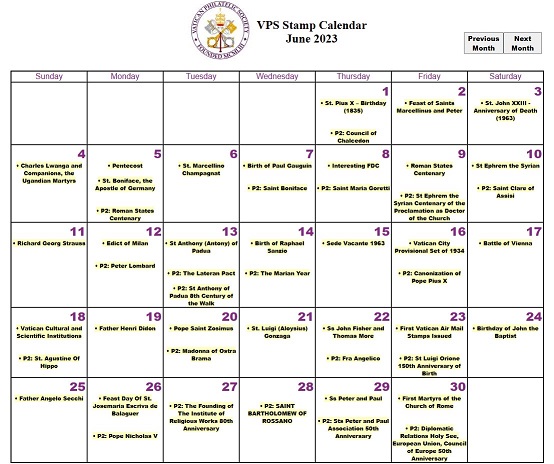 The calendar is ever-changing as new information is researched and scheduled. There are some open slots on the calendar where no Daily Email or Daily Page 2 is scheduled. If you have ideas for additional entries to the calendar, you can submit your suggestions by ‘Clicking at the bottom of the Stamp Calendar'. You can also access the ‘VPS Stamp Calendar’ by ‘Clicking References on the gold bar’ then ‘Click Calendar’ shown below. A 'Calendar Link' is also available on the gold bar.  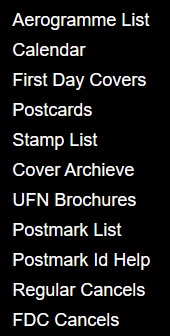 |